Tools I built
for my own
workflow —
now yours too.
I run an AI platform for influencer marketing, so I build a lot of small Claude Skills to speed up the boring parts of the job. Every one I'm happy with, I put here. Download the file, drop it into Claude, done.
VETTEDREADY TO USE
The shelf
Downloads ask for your LinkedIn :) mostly because it's fun to see who's grabbing these, and an easy excuse to connect. 👋
Creator Vetting
Paste a creator's profile link and it scores their comment section for authenticity and buying intent — a 0–100 score, a green/yellow/red tier, and the option to log it straight to a Google Sheet.
Download .skill ↓Just here to see who's grabbing these and connect on LinkedIn :) no spam.
Competitor Mention Check
Give it a competitor's name and up to 10 profile links — get a 🟢 or 🔴 per creator on whether they've promoted that competitor, with the post link as proof if it's a 🔴.
Download .skill ↓Just here to see who's grabbing these and connect on LinkedIn :) no spam.
Average Views Check
Give it one or more profile links and it samples 12 recent organic posts per creator, skipping pinned and sponsored content, to give you a clean average-views number, the range, and how many posts got excluded (and why). Handles side-by-side comparisons across multiple creators too.
Download .skill ↓Just here to see who's grabbing these and connect on LinkedIn :) no spam.
Installing a skill
Download the file
Click "Download .skill" on the card above. It saves a small zip file — that's the whole skill, no installer needed.
Open Claude's skill settings
In Claude, go to Settings → Capabilities → Skills (in Cowork: Customize → Skills) and choose upload.
Upload the zip
Select the file you downloaded in step 1. Claude reads it in a few seconds and it's ready to use.
Use it
Paste a creator's profile link into a new chat and ask Claude to vet them — or just say "vet this creator." No extra setup.
AI chat for influencer managers
A very eager assistant who lives in your Google Sheet and never needs a coffee break.
Say "find me lookalikes of X" and it goes hunting. Every time an influencer tags your brand, it quietly saves the content (+ stories!).
No contracts. No monthly bill. Just credits when you actually need them.
Go press play on the demo, it explains itself better than we can.
About
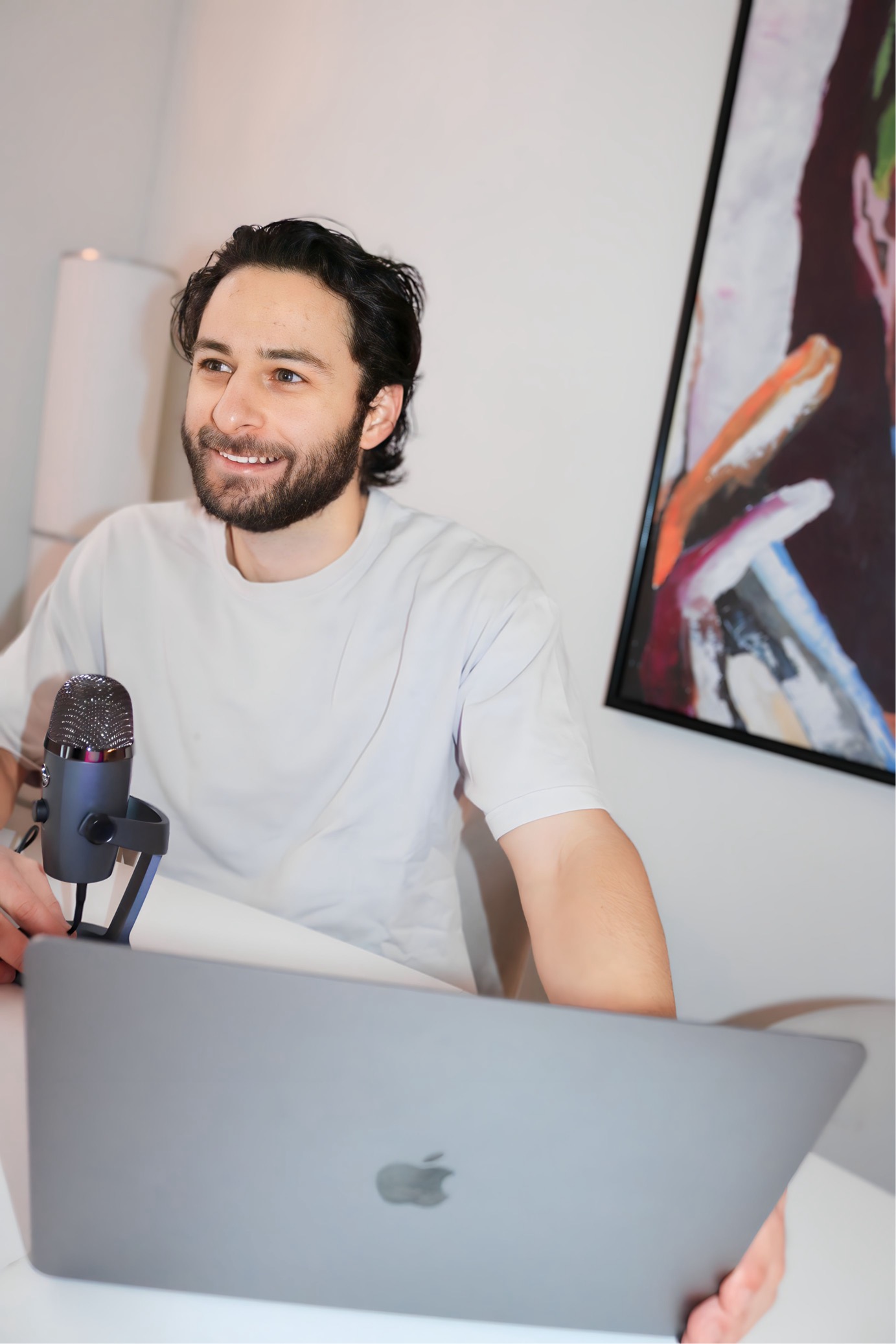
Co-founder at Scope, where I've spent the last decade-plus building tools that make influencer marketing less of a headache and a lot more fun.
These days, my main gig is building an AI chat interface tailored specifically for influencer managers. But whenever I craft neat little micro-tools or cool Google Sheets hacks along the way, I like to polish them up and drop them here for free.
Consider this shelf my personal playground of mini-products. If you want more tips, tricks, and behind-the-scenes workflows, drop by our TikTok.